
Website annotation tool
Annotate and comment directly on your website
Add a “Give Feedback” button to any site. Anyone reviewing it can capture the page, draw on it, write a comment and send it, without an account or a browser extension.
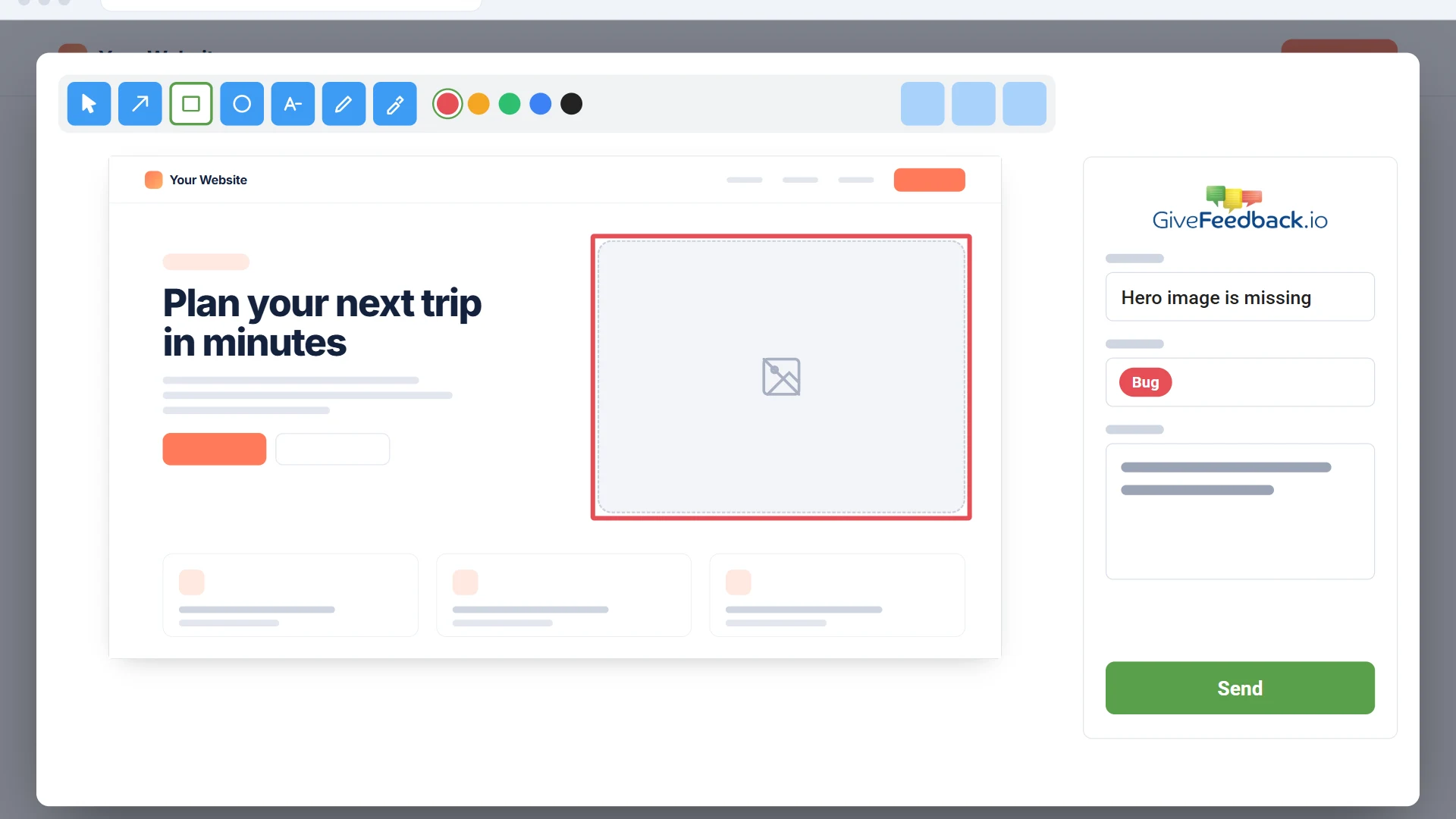
- Arrows, boxes, circles, text, pen and highlighter
- Each comment saved with its page URL and browser details
- Free plan for up to 5 websites
Free plan forever · No credit card · Set up in minutes
What it is
Annotation for website feedback, not for reading articles
GiveFeedback.io is a website annotation tool for reviewing websites you build: clients, testers and teammates mark up the page to show what should change. If you want to highlight articles for research or add a public comment section to your blog, you need a different kind of tool.
Annotate
Draw on the page, then explain it in words
The reviewer clicks the button and the page is captured as it looks on their screen. They mark the problem with an arrow, a box or a free-hand circle, add a title and a comment, and choose a type such as bug or proposal.
- 5 colours and 3 line widths
- Undo, redo and delete
- Copy or download the annotated screenshot
Comment list
Every comment in one place, with its context
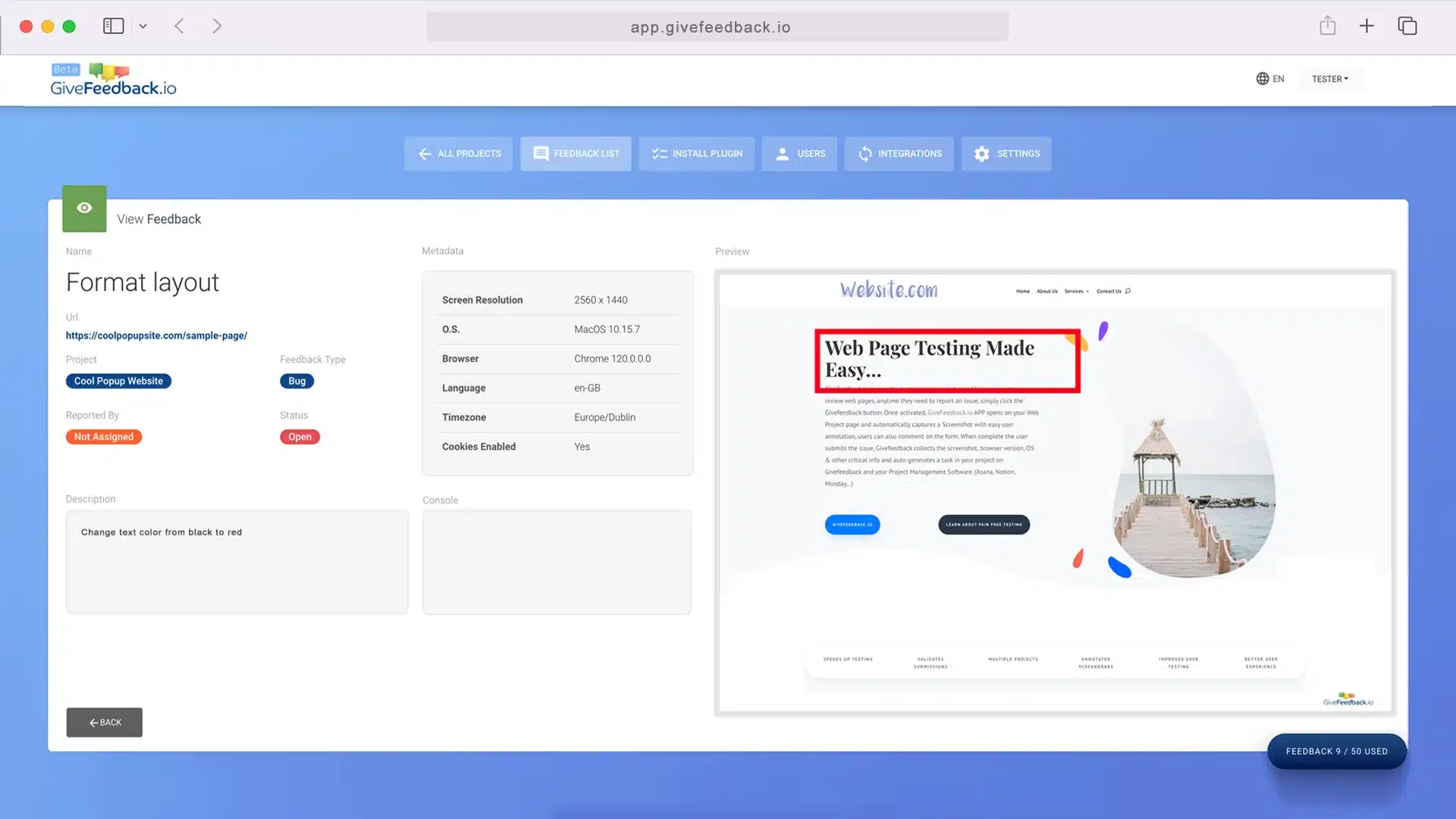
Annotations don’t get lost in email threads. Each one lands in your dashboard with the screenshot, the page URL, the browser, OS and screen size, ready to resolve or archive.
Workflow
Send annotations to Notion or Asana
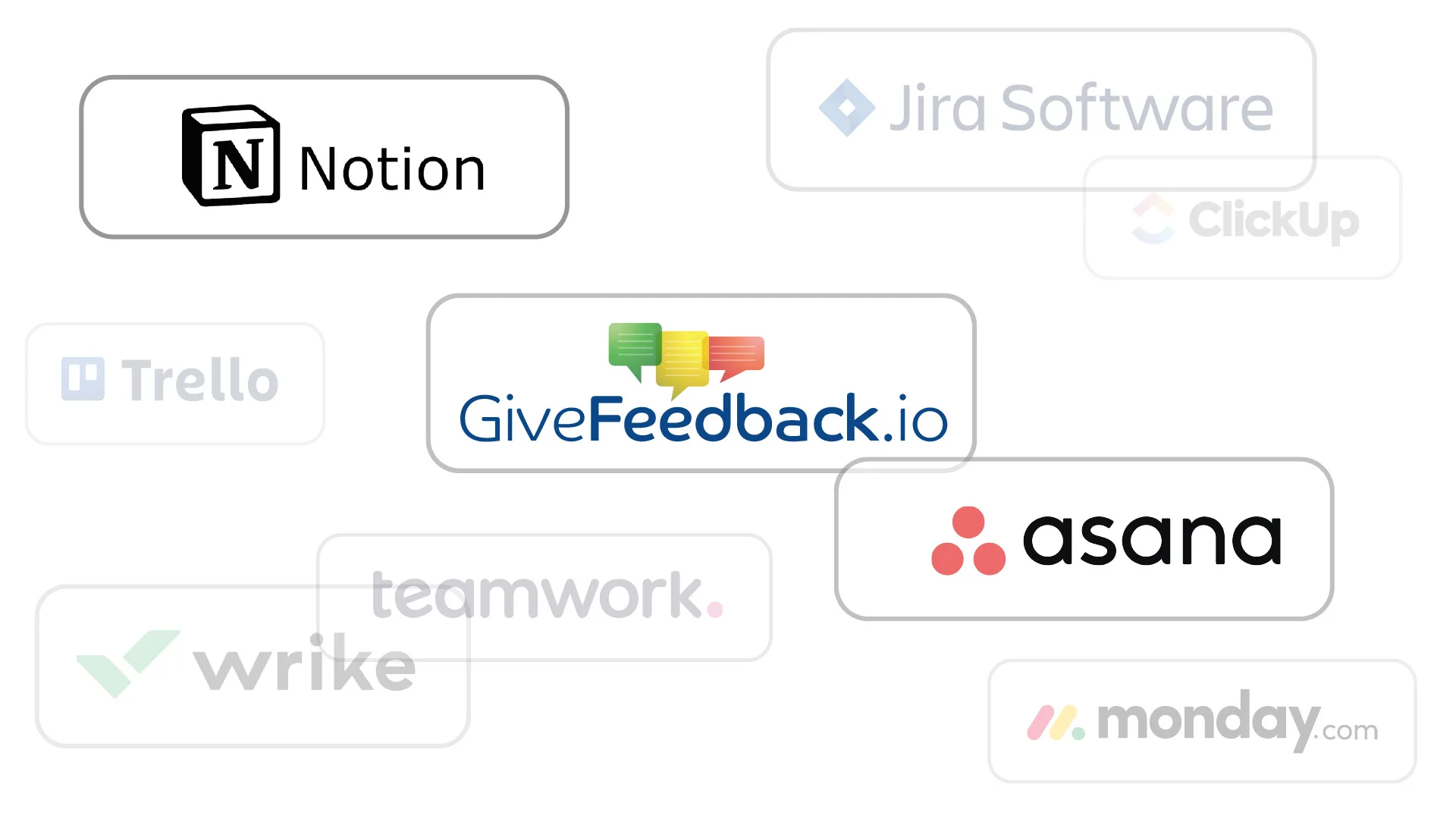
Connect a project to Notion or Asana and every new annotation becomes a page or a task, with the screenshot attached, so your team works from the tool it already uses.
Start annotating your website in three steps
Create a free project
Sign up with email or Google and enter your website address.
Add one script
Paste the snippet into the <head>, or follow the guide for WordPress, Shopify, Wix, Squarespace, PrestaShop or Google Tag Manager.
Share the link
Send the site to your client or team. They click “Give Feedback” and annotate.
Website annotation questions
Is there a free website annotation tool?
Yes. GiveFeedback.io has a free plan with up to 5 projects and 50 annotated feedback reports, with no credit card. Paid plans start at €9.99/month.
Do reviewers need a Chrome extension?
No. You add one script to the website and a “Give Feedback” button appears for every visitor. Their browser asks once for permission to capture the tab.
Can I annotate any website, or only my own?
Only websites where you can add the script, such as sites you build or manage. It isn’t designed for annotating other people’s websites.
Does it capture the full page?
It captures the part of the page visible on the reviewer’s screen, which is usually where the problem is. They can scroll to the right place before clicking the button.
Let your clients annotate your next website
Free plan, no credit card, set up in a few minutes.
Free plan forever · No credit card · Set up in minutes